
Treat Your Coding Agent Like a Naive Junior Developer: Four Layers to Protect Your Secrets
An AI coding agent is capable but has no security filter. Isolate the workspace, keep real keys out of reach, guard the pipeline, and scan every change.
Last updated
Treat the agent as a highly capable junior developer with no security filter. It will read what it can reach and repeat what it reads.
Give an agent a terminal and it can open ~/.aws/credentials, ~/.ssh, and every .env file in the tree. It may paste a value into the chat, hardcode it into a file, or "fix" a failing deploy by editing the pipeline. None of that is malice. It is a capable worker with no sense of what is sensitive. The controls below assume that and limit the damage.
1. Isolate the workspace
Anything on the host is within the agent's reach, including your global configs and personal credentials.
- Practice: never run an autonomous agent directly on your primary machine with your personal developer credentials.
- DevContainers or Docker: run the agent in a container that mounts only the project directory.
- Cloud workspaces: Gitpod, GitHub Codespaces or CodeSandbox give the agent a disposable environment you can throw away.
2. Keep the real keys out of reach
Agents read .env files to understand a project or debug an error, and they can echo those values anywhere.
- Practice: no production or staging keys in the agent's workspace. Use dummy values for local runs and inject real secrets only at runtime, in the deployment environment.
- Dummy environments: keep a strict
.env.examplewith fake values (for exampleSTRIPE_KEY=sk_test_12345) and make that the only file the agent works from. - Secret managers: Doppler, HashiCorp Vault, AWS Secrets Manager and Infisical inject secrets into the process at runtime, so no
.envfile sits around waiting to be read.
One caveat: a manager that injects values into the agent's own environment still lets the agent read them. If the agent must be unable to see a key at all, use a credential broker. .env vs Vaults covers the difference.
3. Guard the gates
An agent trying to fix a deployment problem may change the pipeline itself, and in doing so weaken a security check.
- Practice: treat infrastructure and workflow code as sensitive. The agent should not be able to push to production or change deployment permissions.
- Branch protection (GitHub or GitLab): require at least one human approval on pull requests, and do not let the agent's service account bypass the rule.
- CODEOWNERS: require named senior reviewers for
.github/workflows/,terraform/and deployment scripts.
4. Scan before anything merges
Precautions fail. Catch the leak before it ships.
- Pre-commit hooks: TruffleHog or Yelp's detect-secrets, installed in the agent's environment, block commits that contain keys.
- CI scanners: GitGuardian or GitHub Advanced Security on every agent-authored pull request, with the pipeline set to fail when a secret is found.
A pre-commit hook runs where the agent can edit or skip it, so the CI scan is the one that counts.
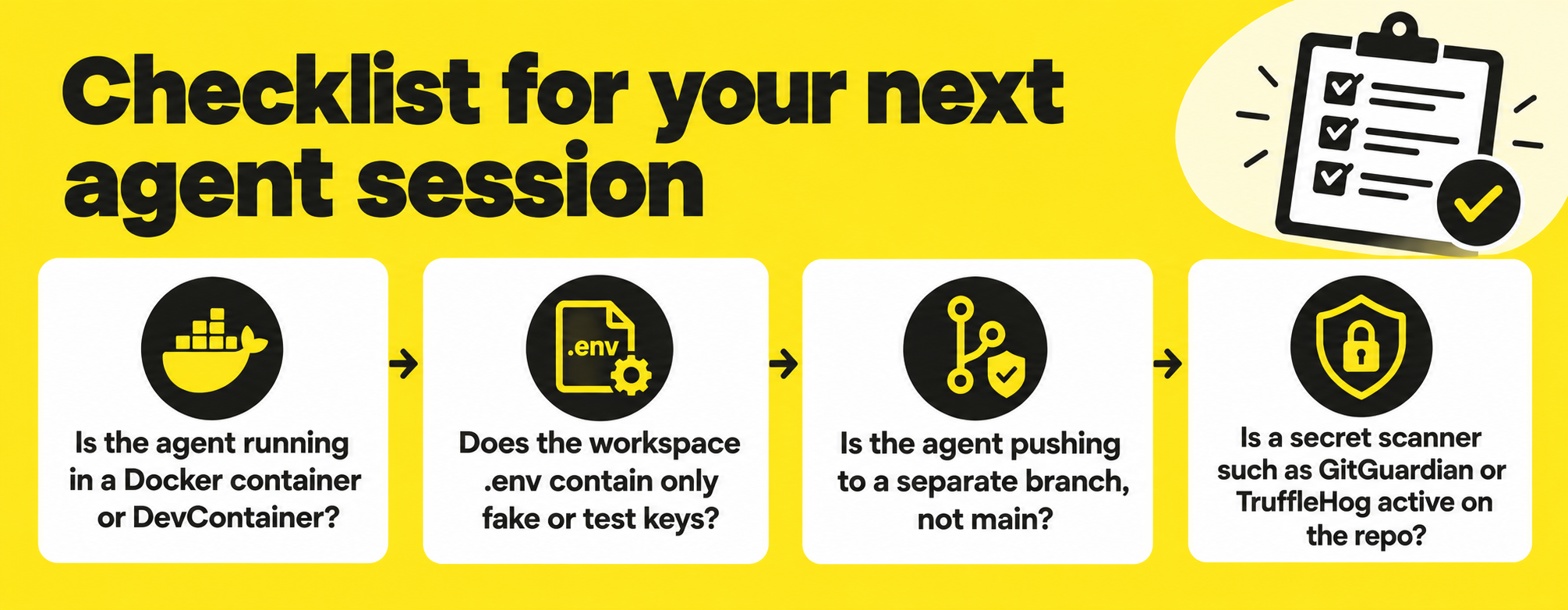
Checklist for your next agent session
- Is the agent running in a Docker container or DevContainer?
- Does the workspace
.envcontain only fake or test keys? - Is the agent pushing to a separate branch, not
main? - Is a secret scanner such as GitGuardian or TruffleHog active on the repo?
This is a short version of the Preflight Checklist, which goes further on permissions, leases and kill switches.