
CLI Agents 2026: Claude Code × Codex CLI and the Terminal-Bench Race
A June 2026 field guide to CLI coding agents, why Terminal-Bench 2.1 became the accepted benchmark, and how each major terminal-native agent fits into the stack.
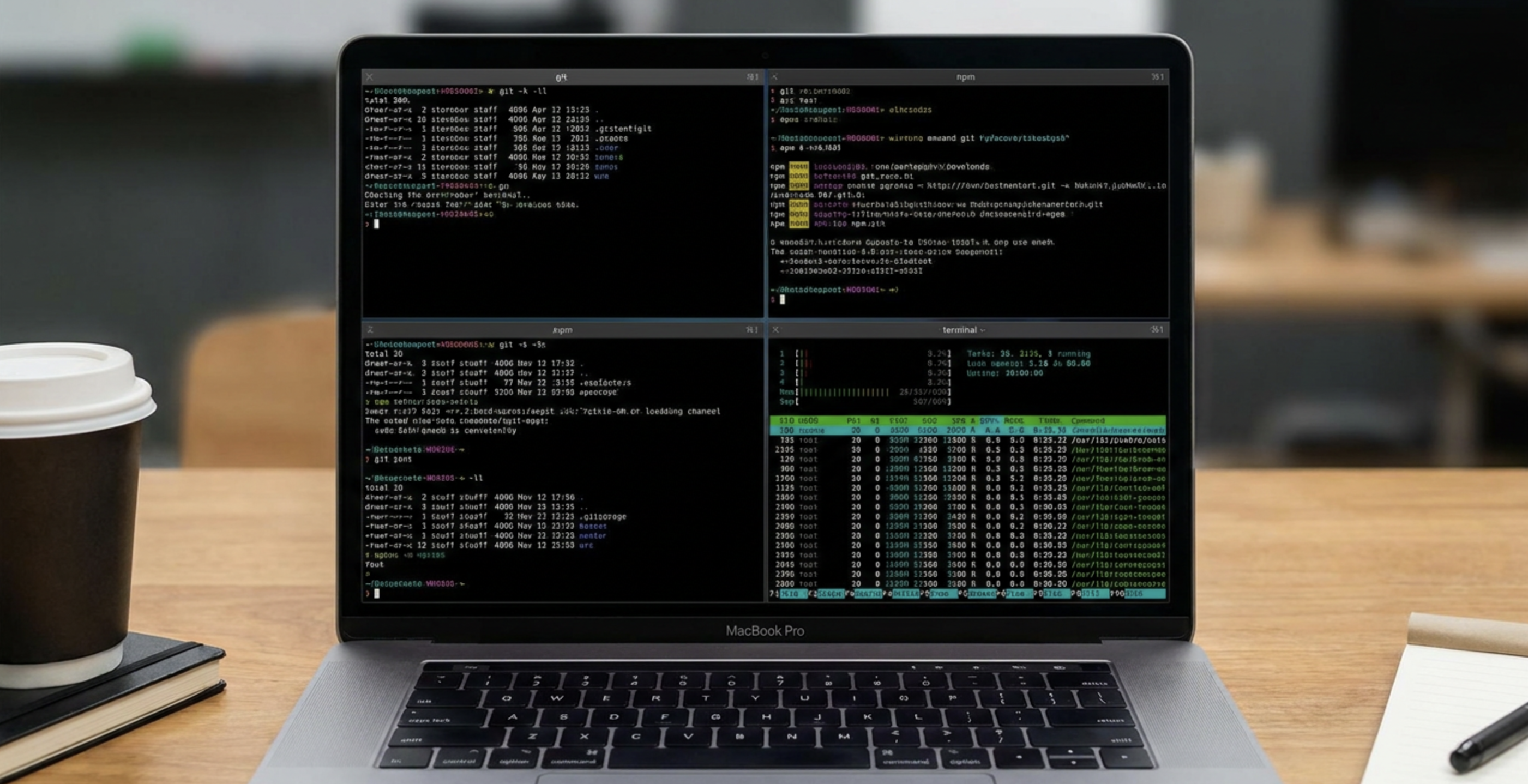
The CLI agent category is exploding because coding agents are moving from chat sidebars into the terminal itself.
| Agent | Company | Notes |
|---|---|---|
| Claude Code | Anthropic | Set the reference pattern: reads repo, edits files, runs commands, iterates on failures. Full plan→patch→test→explain loop. |
| Codex | OpenAI | Fast code synthesis + command execution. Best when the repo has strong tests and clear package scripts. |
| Grok | xAI | Direct xAI model access from the shell. Practical value depends on how well the harness manages context and local files. |
| Cursor | Cursor | Best known as AI editor; CLI adds the same agentic workflow for scripts, automation, and remote environments. |
| GitHub Copilot | GitHub / Microsoft | Natural Copilot extension into shell workflows. Especially useful for command explanation, Git help, and GitHub-native context. |
| OpenCode | OpenCode | Open, terminal-native, model-agnostic. For developers who want inspectability and no editor lock-in. |
| MiMo Code | Xiaomi | Xiaomi's entry into the terminal developer loop: understand repo, edit code, validate through commands. |
| Amp | Sourcegraph | Lightweight interface: ask for a change, let the agent inspect, review the diff, keep moving. |
| OpenClaude | Community | Another Claude-style terminal pathway. Part of the long tail proving the category is bigger than any single vendor. |
| Antigravity | Google's agentic CLI direction. Judged by how reliably the harness manages files, commands, and verification. | |
| Pi | Pi | Direct command-line interaction. Works in the same environment as local builds, package managers, and deployment scripts. |
| oh-my-pi | oh-my-pi | Extends Pi with shell-native ergonomics. Adoption depends on interface speed as much as benchmark scores. |
| Hermes Agent | Nous Research | Key for teams exploring open and research-driven model stacks rather than closed commercial agents. |
| Devin | Cognition | Part of a broader autonomous engineering workflow. Terminal interface for repo, commands, failures, and patches. |
| Goose | Block | Block's open-source local agent. Strong example of the harness becoming as important as the underlying model. |
| Auggie | Augment Code | Codebase-aware assistance in the terminal. Valuable for large repos where context retrieval is the hard part. |
| Autohand Code | Autohand | Autonomous code changes from the CLI. Small, reviewable patches without a separate development environment. |
| Charm | Charm | Terminal-native AI with Charm UX focus. Best CLI agents must feel natural in the shell, not like a web app squeezed in. |
| Cline | Cline | Started as editor-integrated; CLI extends plan→act→observe→repair cycles to terminal-first usage. |
| Codebuff | Codebuff | Fast repository edits. Competing on low-friction setup, fast context gathering, and clean diffs. |
| Command Code | Command Code | Natural language to terminal and code actions. Judged by whether it keeps execution safe while making progress. |
| Continue | Continue | Emphasizes open customization: configurable models, reusable context, workflows spanning editor and terminal. |
| Droid | Factory | Targets the software-engineering loop directly: understand task, act in repo, run commands, report a validated result. |
| Kilocode | Kilo | Extends the agentic coding ecosystem with CLI access. Terminal-first coding is the common denominator across tools. |
| Kimi | Moonshot | Moonshot's Kimi models for developer workflows. Key for teams tracking non-US ecosystems and long-context coding. |
| Kiro | Kiro | Spec-driven workflow: agents operate against requirements, not just ad hoc prompts. |
| Mistral Vibe | Mistral | Mistral models in a CLI coding loop. Part of the European and open-model push into practical software agents. |
| Qwen Code | Alibaba | Alibaba's Qwen capabilities via terminal. Most important entry for evaluating open-weight and China-origin model stacks. |
| Rovo Dev | Atlassian | Atlassian's advantage is ecosystem context: Jira, Confluence, Bitbucket, and the enterprise dev graph. |
CLI coding agents are no longer a novelty layer on top of the editor. They are becoming the operational interface for software work: reading repositories, installing dependencies, editing files, running tests, debugging build failures, configuring services, and shipping patches from the same terminal where engineers already live.
The reason this category suddenly feels measurable is Terminal-Bench 2.1. As of June 2026, it is the benchmark the community points to when comparing terminal-native agents because it tests the thing that actually matters: can the agent use the shell to finish real work?
Why Terminal-Bench 2.1 Matters
Terminal-Bench 2.1 evaluates agents inside realistic terminal environments. Instead of asking a model to answer coding questions in isolation, it asks the full agent loop to complete tasks that look like day-to-day engineering work:
- Package management: installing, upgrading, pinning, and repairing dependencies.
- Build debugging: interpreting compiler output, fixing configuration, and rerunning checks.
- Server configuration: editing runtime settings, validating ports, and confirming services boot.
- Git operations: inspecting diffs, managing branches, applying patches, and keeping history clean.
- Filesystem navigation: finding the right files, understanding project layout, and avoiding unrelated changes.
- Test-driven repair: running targeted tests, reading failures, and validating fixes.
That is why Terminal-Bench 2.1 became the accepted anchor point. It rewards agents that can operate in a messy terminal, not just agents that can write a beautiful function in a chat box.
The June 2026 Race
The Terminal-Bench 2.1 leaderboard shows a tight race at the top. The exact ranks change as vendors update models, harnesses, tools, and safety policies, but the pattern is clear: the best CLI agents are converging around a shared operating model.
They all need five capabilities:
- Shell competence: understand command output, exit codes, processes, permissions, and environment state.
- Repository awareness: map files, symbols, tests, package scripts, and framework conventions before editing.
- Tool discipline: choose the smallest useful command, avoid destructive operations, and recover gracefully.
- Patch quality: make focused changes that match project style and do not create collateral damage.
- Verification loop: run the right checks, explain remaining risk, and stop only when the task is actually done.
The benchmark matters because these are not vibes. They are observable behaviors.
Reading the Leaderboard: Harness vs. Model
Each entry on the Terminal-Bench leaderboard has two parts: the Agent (the orchestration harness) and the Model (the underlying LLM).[¹] That distinction is what makes the results actionable rather than just interesting.
Separating the harness from the brain
When Anthropic releases a new model, the leaderboard answers a question that a single number cannot: is the model inherently better at terminal tasks, or is Claude Code's proprietary CLI wrapper doing the heavy lifting through hidden prompt engineering, auto-retries, and custom tool definitions?[²]
Terminus 2 as the control group
Terminus 2 is the open-source, bare-bones reference agent built by the Terminal-Bench researchers. It acts as a neutral control group — a standard, unopinionated bridge between any model and a terminal.[²] Running the same model through both its proprietary harness and the neutral Terminus 2 harness directly measures how much value the wrapper adds:
| Model | Harness | Score |
|---|---|---|
| Claude 5 Fable | Claude Code | 83.1% |
| Claude 5 Fable | Terminus 2 | 80.4% |
| GPT-5.5 | Codex CLI | 83.4% |
| GPT-5.5 | Terminus 2 | 78.2% |
Anthropic's Claude Code orchestration layer squeezes an extra 2.7 percentage points out of the same underlying model compared to a bare-bones implementation. OpenAI's Codex CLI gains 5.2 points over the Terminus 2 baseline on GPT-5.5.
Why the harness gap matters
Historically, many proprietary harnesses actually performed worse than Terminus 2 — heavy abstractions confused the models and increased failure rates.[²] The current leaderboard shows that both OpenAI and Anthropic have crossed that inflection point: their CLI wrappers now genuinely enhance foundation model performance rather than getting in the way.
This means the "best CLI agent" question has two answers. If you control the model choice, the official harness from the model's own vendor will likely outperform a custom wrapper. If you need model-agnostic flexibility, Terminus 2's results show how much raw capability each model brings on its own.
What the Leaderboard Does Not Tell You
Terminal-Bench 2.1 is the right anchor, but it is not the only buying criterion. A CLI agent can score well and still be wrong for a team if it fails your local constraints.
Evaluate every agent against your own workflow:
- Repo fit: does it understand your language, framework, monorepo layout, and test commands?
- Permission model: can it ask before risky commands and avoid destructive changes?
- Model control: can you choose the model, provider, context size, and cost profile?
- Tooling support: does it work with Git, package managers, containers, cloud CLIs, and MCP servers?
- Reviewability: does it produce small diffs and clear explanations?
- Enterprise needs: does it support logging, policy, secrets handling, and audit trails?
The Hybrid Workflow
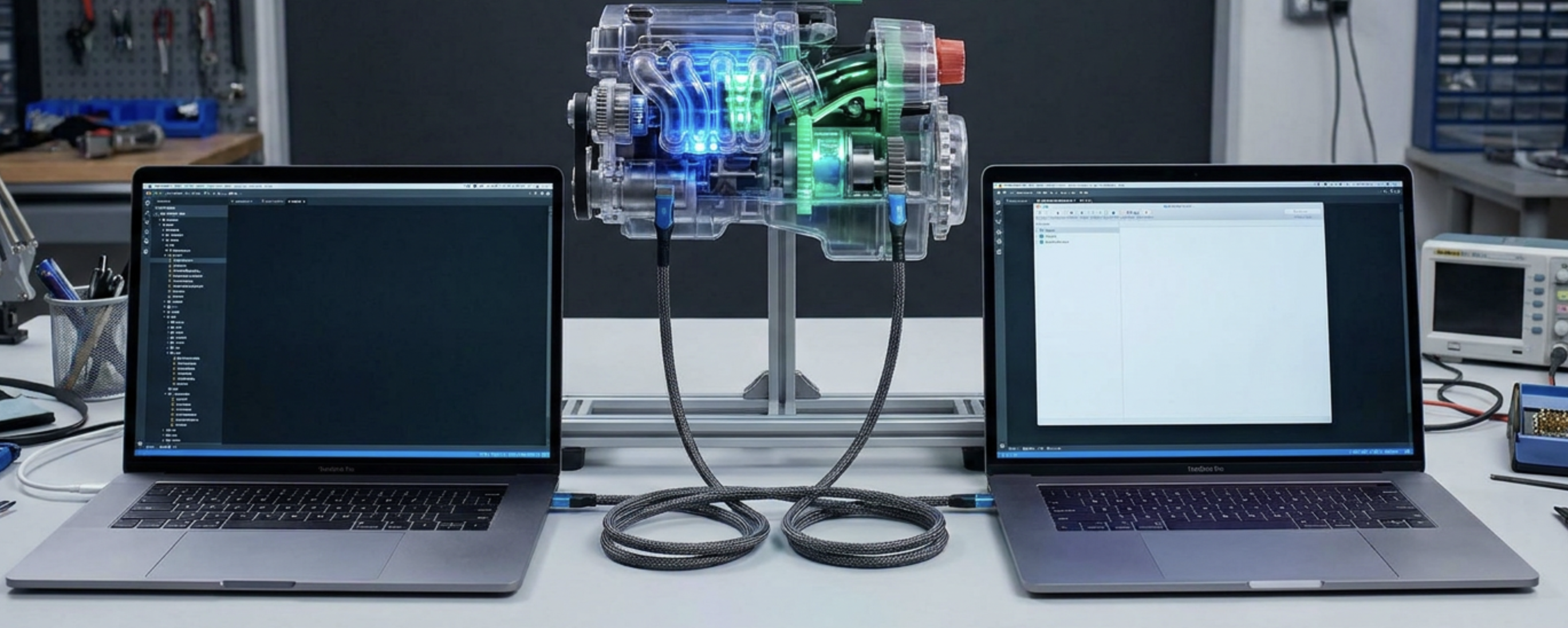
Top engineering teams are increasingly avoiding the single-agent bet. Instead they route tasks by type, letting each tool do what it is best at.
A practical split for teams running parallel agents across isolated worktrees:
- Codex CLI for rapid issue generation, test generation, single-file scripts, and terminal automation — where speed and token cost are paramount.
- Claude Code for the heavy lifting: complex PRs, broad system refactoring, and tasks where human-in-the-loop oversight is required to ensure architectural integrity.
The benchmarks support this. Codex CLI leads on raw Terminal-Bench accuracy with GPT-5.5 (83.4%), while Claude Code's harness shows a tighter coupling to its underlying model across diverse task types. Neither is universally better — they are optimized for different parts of the engineering loop.
The Takeaway
The CLI agent market is now real because the work is measurable. Terminal-Bench 2.1 gave the community a shared way to compare terminal mastery, and the agents above show how quickly the category is expanding.
The winner will not be the tool with the flashiest demo. It will be the agent that can sit in a real repo, use the terminal safely, understand the project, make the smallest correct change, run the right verification, and hand you a clean diff.
That is the standard now: if it runs in a terminal, it has to prove itself in the terminal.
[¹]: Terminal-Bench: Benchmarking Agents on Hard, Realistic Tasks. https://arxiv.org/html/2601.11868v1
[²]: Codex CLI Stands Out as Only Agent Beating Default Terminus 2 Benchmark. https://aigazette.com/llms/codex-cli-stands-out-as-only-agent-beating-default-terminus-2-benchmark--a